How to Use Personal Lookbook 4 Cut
ENStep-by-step guide to creating your AI-powered personal fashion lookbook. Learn tips for best results and what to expect from your style analysis.
Quick Summary: Upload your photo → AI analyzes your personal color → Receive 4 personalized lookbook images. No login required, just $4.99 per use.
Welcome to Personal Lookbook 4 Cut
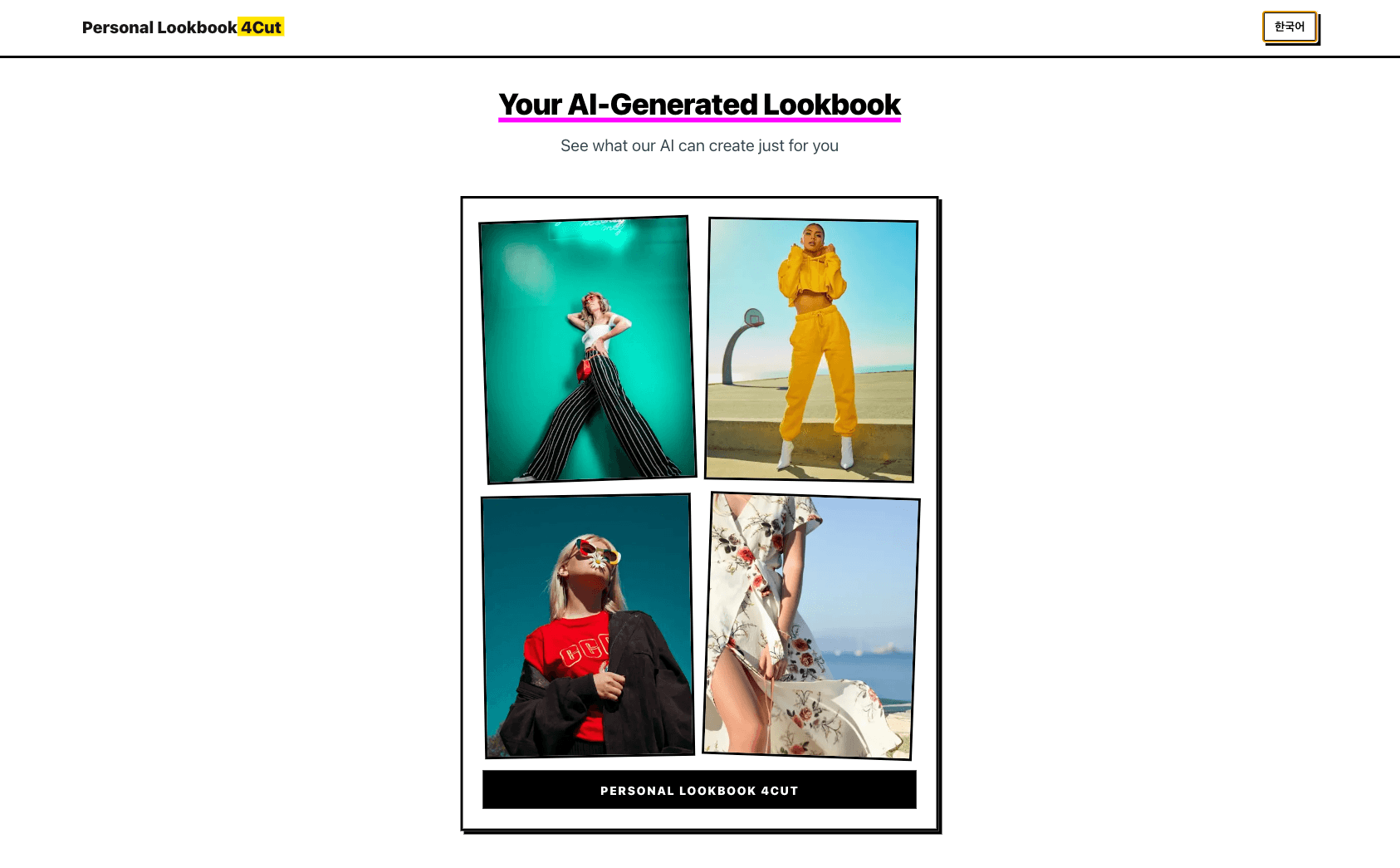
Personal Lookbook 4 Cut is your AI-powered fashion companion that analyzes your personal color and style to generate four professional lookbook images. For just $4.99, you'll receive personalized fashion insights without any login required.
Quick Start: 1) Prepare a well-lit photo → 2) Upload it to the service → 3) Wait a few moments → 4) Receive your 4 personalized lookbook images!
How to Get Started
Step 1: Prepare Your Photo
The quality of your photo directly impacts the accuracy of your results. Here's what makes a great photo:
- Lighting is Key — Use natural daylight whenever possible. Stand near a window or take your photo outdoors during the day. Avoid harsh overhead lighting or dim indoor lighting that can distort your natural skin tone.
- Face the Camera — Make sure your face is clearly visible and facing forward. Remove sunglasses, hats, or anything that obscures your facial features.
- Neutral Background — Choose a plain, neutral-colored background. White, beige, or light gray walls work best. Busy patterns or colorful backgrounds can interfere with the AI's color analysis.
- Natural Expression — Relax and use a natural expression. You don't need to smile if you prefer not to — just be yourself.
- Minimal Makeup — For the most accurate personal color analysis, wear minimal or natural makeup. Heavy foundation or bold lip colors can affect the AI's ability to detect your true undertones.
Tip: The single most important factor is lighting. Natural daylight near a window gives the best results every time.
Step 2: Upload Your Photo
Once you have your perfect photo, simply upload it to the Personal Lookbook 4 Cut service. The process is straightforward — no account creation or personal information required.
Step 3: Wait for Your Results
The AI analyzes your photo to determine your personal color palette, undertones, and style characteristics. This typically takes just a few moments.
Step 4: Receive Your Lookbook
You'll receive four professionally designed lookbook images featuring:
- Your personal color palette — Colors that harmonize with your natural coloring
- Recommended clothing colors — Shades that complement your skin tone
- Style suggestions — Based on your unique characteristics
- Fashion combinations — Outfits that enhance your natural beauty
What to Expect from Your Results
Personal Color Analysis
The AI identifies whether you have warm, cool, or neutral undertones and assigns you to one of the seasonal color categories (Spring, Summer, Autumn, or Winter). This helps you understand which colors make you look vibrant and which might wash you out.
Tailored Recommendations
Your lookbook includes specific color recommendations for clothing, accessories, and even makeup. These aren't generic suggestions — they're based on your individual analysis.
Professional Presentation
Each of the four lookbook images is designed to be visually appealing and easy to save or share. Use them as a reference when shopping or planning outfits.
Tip: Save your lookbook images to your phone for quick reference while shopping. They make choosing the right colors effortless!
Tips for Best Results
- Good Lighting Cannot Be Overstated — Seriously, this is the most important factor. Yellow indoor lighting can make you appear warmer than you are, while fluorescent lighting can make you look cooler.
- One Person Per Photo — The AI is designed to analyze one person at a time. Make sure you're the only person in the frame.
- High-Quality Images — Use a recent smartphone camera or digital camera. Avoid grainy, pixelated, or heavily filtered photos.
- Straight-On Angle — Take the photo at eye level, not from above or below. This ensures accurate facial feature analysis.
Tip: Avoid selfie filters! They alter your skin color and will reduce the accuracy of your personal color analysis.
Frequently Asked Questions
How accurate is the AI analysis? The AI uses advanced color detection and facial analysis technology. While it's highly accurate, remember that personal style is subjective. Use the results as a helpful guide, not an absolute rule.
Can I use the service multiple times? Absolutely! You might want to try different photos or see how your results compare over time. Each use costs $4.99.
Do I need to create an account? No account required. Simply upload your photo and receive your results.
What if I don't like my results? Personal color analysis is a tool to help you make informed fashion choices, but you're always free to wear whatever makes you feel confident. If you're unsure about your results, try uploading a different photo with better lighting.
Can I share my lookbook? Yes! Your lookbook images are yours to save, share, or use as a reference whenever you need them.
Ready to Discover Your Personal Style?
With these tips in mind, you're ready to create your Personal Lookbook 4 Cut.
Remember: Good lighting + clear face + neutral background = the recipe for the best results.
Discover the colors that make you shine and build a wardrobe that truly reflects your unique beauty.